Atlassian is retiring Opsgenie. If your team pages people through Opsgenie, you have until April 5, 2027 to move your schedules, escalation policies and alert routing to another tool. This post lists the dates, what to move, and a checklist you can follow this quarter.
The dates
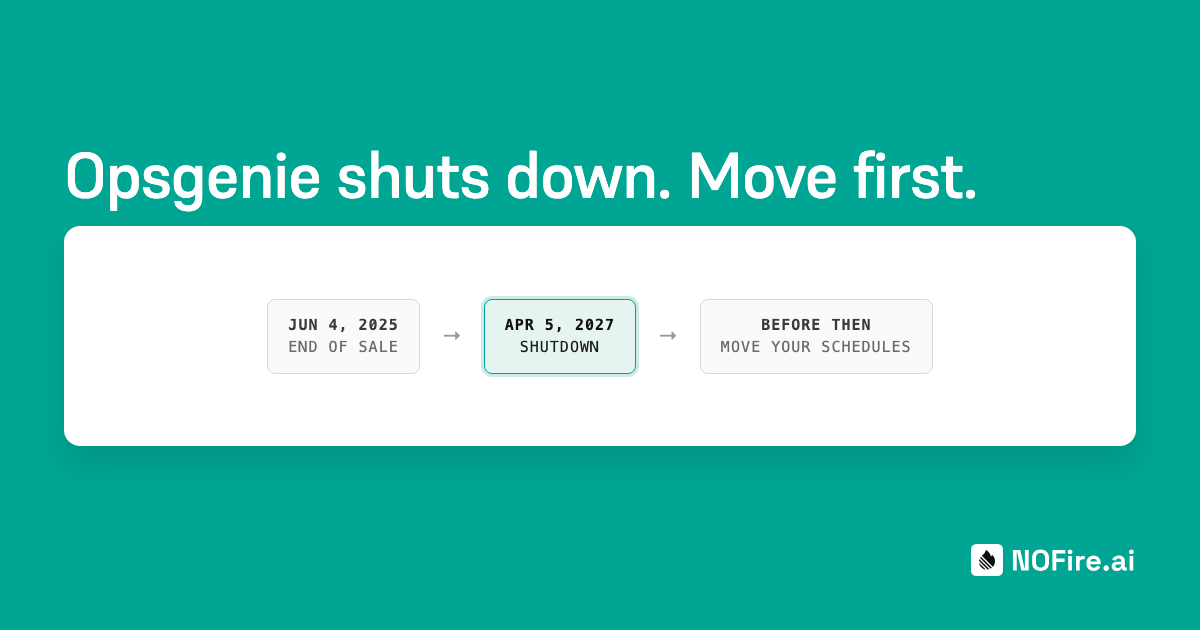
Atlassian published these dates on its Opsgenie migration page:
| Date | What happens |
|---|---|
| June 4, 2025 | End of sale. New customers can no longer buy Opsgenie. |
| April 5, 2027 | End of support. Opsgenie shuts down. Data that you did not migrate is deleted. |
After April 5, 2027, alerts sent to Opsgenie reach nobody. Plan the move so that your new tool pages people before that date, not on it.
What to move
An on-call setup has more parts than the schedule. Make a list of each part before you choose a new tool.
| Part | What to record |
|---|---|
| Teams and members | Who is in each team, and each person's contact methods |
| Schedules | Rotations, handoff times, time zones and overrides |
| Escalation policies | Steps, timeouts and who each step pages |
| Alert routing | Which alert sources page which team, and any rules on priority |
| Integrations | Monitoring tools, chat, ticketing and status pages connected to Opsgenie |
| History | Past alerts and incidents that you want to keep for reports |
Migration checklist
- Export a list of teams, members and contact methods.
- Export every schedule, with its rotation, handoff time and time zone.
- Write down every escalation policy, step by step.
- List every alert source and the team it pages.
- Choose the new tool, and import teams, schedules and escalation policies.
- Send the same alerts to both tools for one or two weeks.
- Compare who got paged in each tool, alert by alert.
- Switch your alert sources to the new tool only.
- Export the history you want to keep from Opsgenie.
- Remove the Opsgenie integrations from your monitoring and chat tools.
The parallel run is the most important step. Sending the same alerts to both tools shows a missing route or a wrong time zone before a real incident does.
What to look for in a replacement
Most teams compare price and features first. Also ask these questions:
- Can you import your setup? A tool that imports teams, schedules and escalation policies saves days of manual work and avoids copy mistakes.
- Can you run the new tool next to Opsgenie? A parallel run is the safest way to move.
- What happens after the page? A pager tells a person that something is wrong. The person then spends the first part of the incident finding the change, the owner and the last similar incident. Some newer tools start an investigation when the alert arrives and add the likely cause to the page when they find it.
- Who controls the automation? If a tool uses agents, check that your team decides what an agent can do alone, and that a named person approves every change to production.
- What does on-call cost per person? Some tools charge for each user. Some make on-call free and charge for other work.
How NOFire AI can help
NOFire AI on-call is in early access. It takes alerts from Prometheus Alertmanager, Grafana and any tool that sends PagerDuty Events v2, and pages people by Slack, push and SMS, with a phone call for critical alerts. When an alert arrives, NOFire AI starts an investigation and adds the likely cause and its evidence to the page when it finds them. The page does not wait for it.
Leaving Opsgenie should not mean rebuilding on-call by hand. Import your teams, schedules and escalation policies in one step, and your people are paged the same way from day one. Run NOFire AI next to Opsgenie until the pages match, then switch with no gap in coverage. And on-call is free for up to 15 users.
Join the early access and we will help you plan the move.