
Every team's agents in one list
Each agent shows the team, the services the agent covers, the owner and the live version.
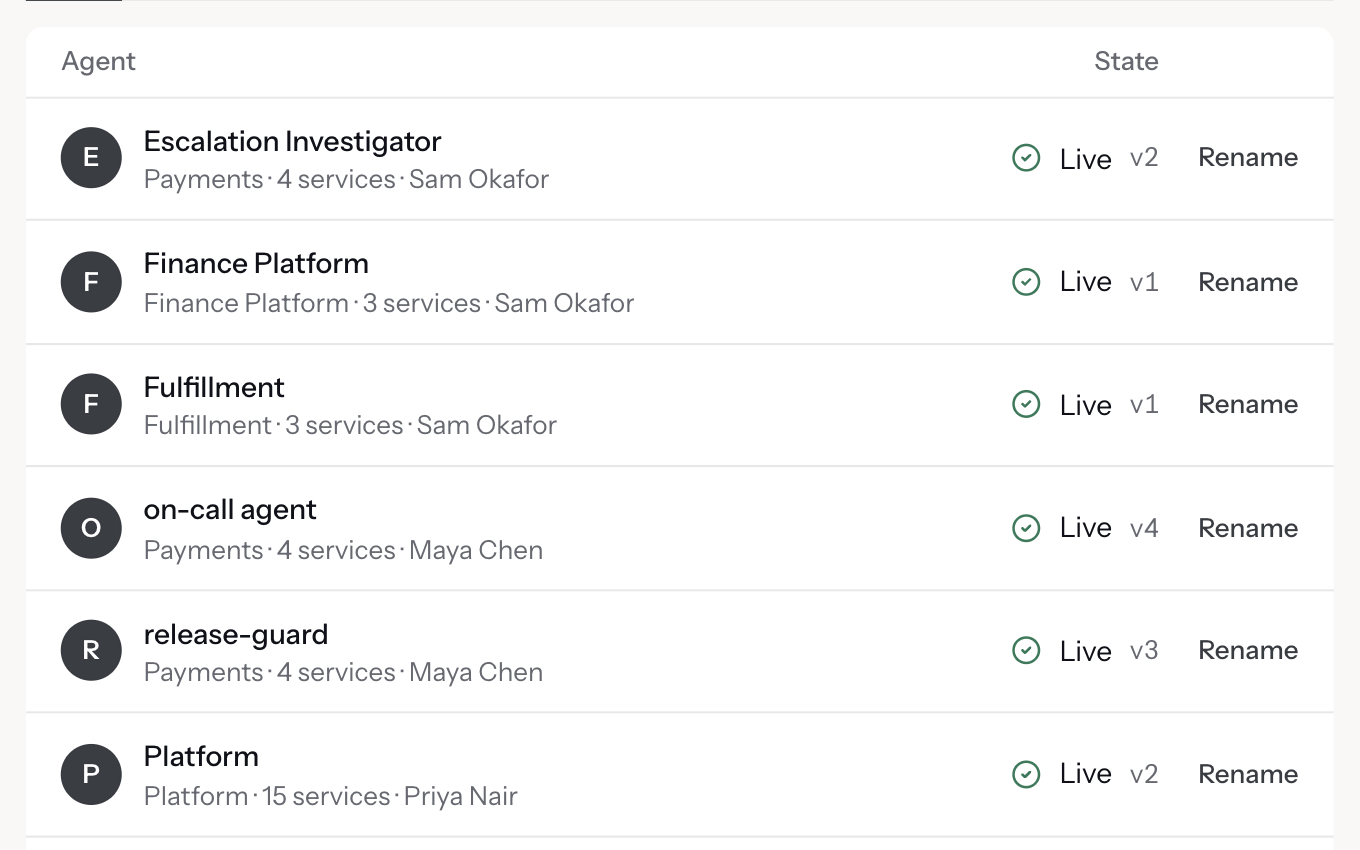
Agents built in Agent Studio start from the production context graph and act within your policies and control.

Each agent shows the team, the services the agent covers, the owner and the live version.
Choose the tools and skills each agent uses, and the agent that takes over when no skill applies.
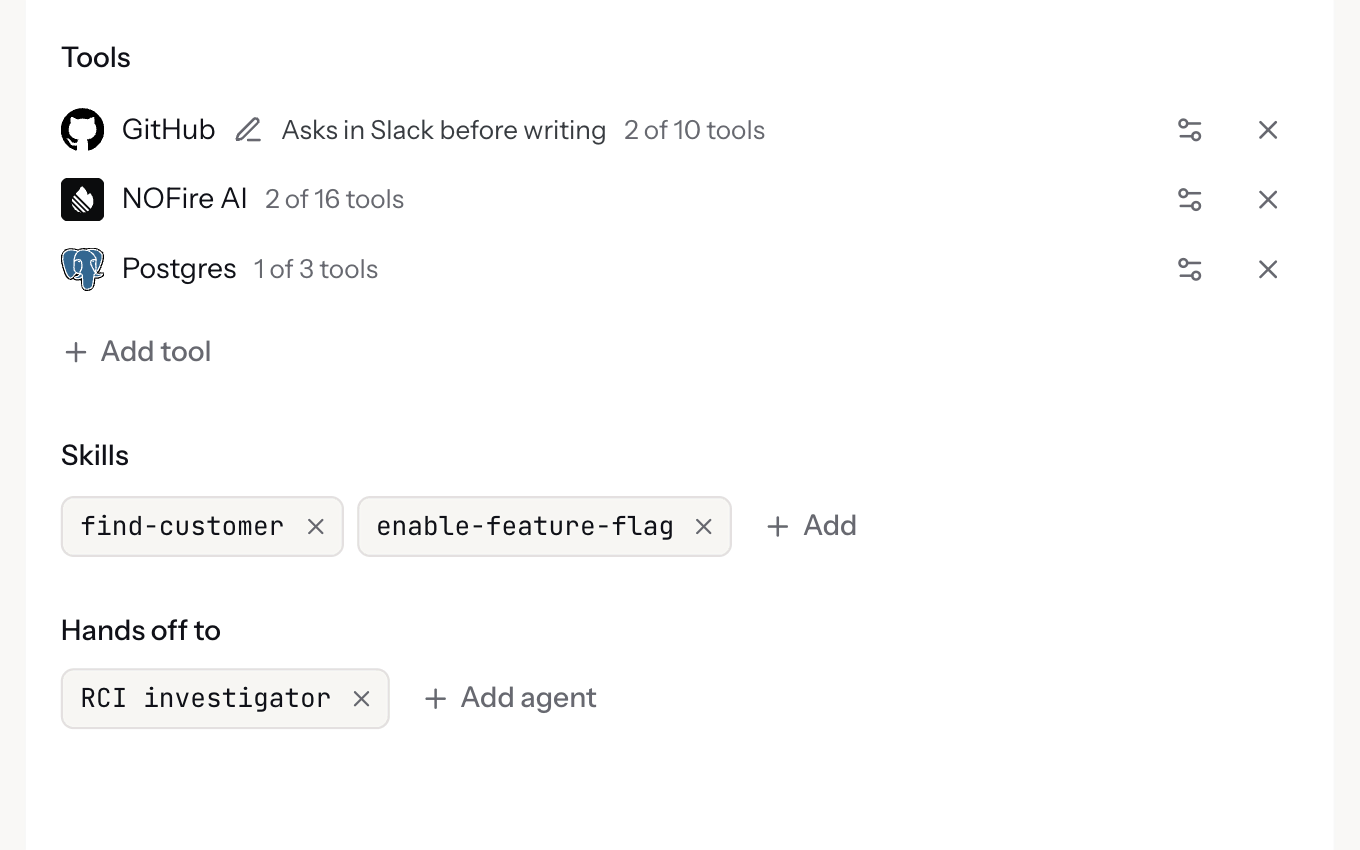
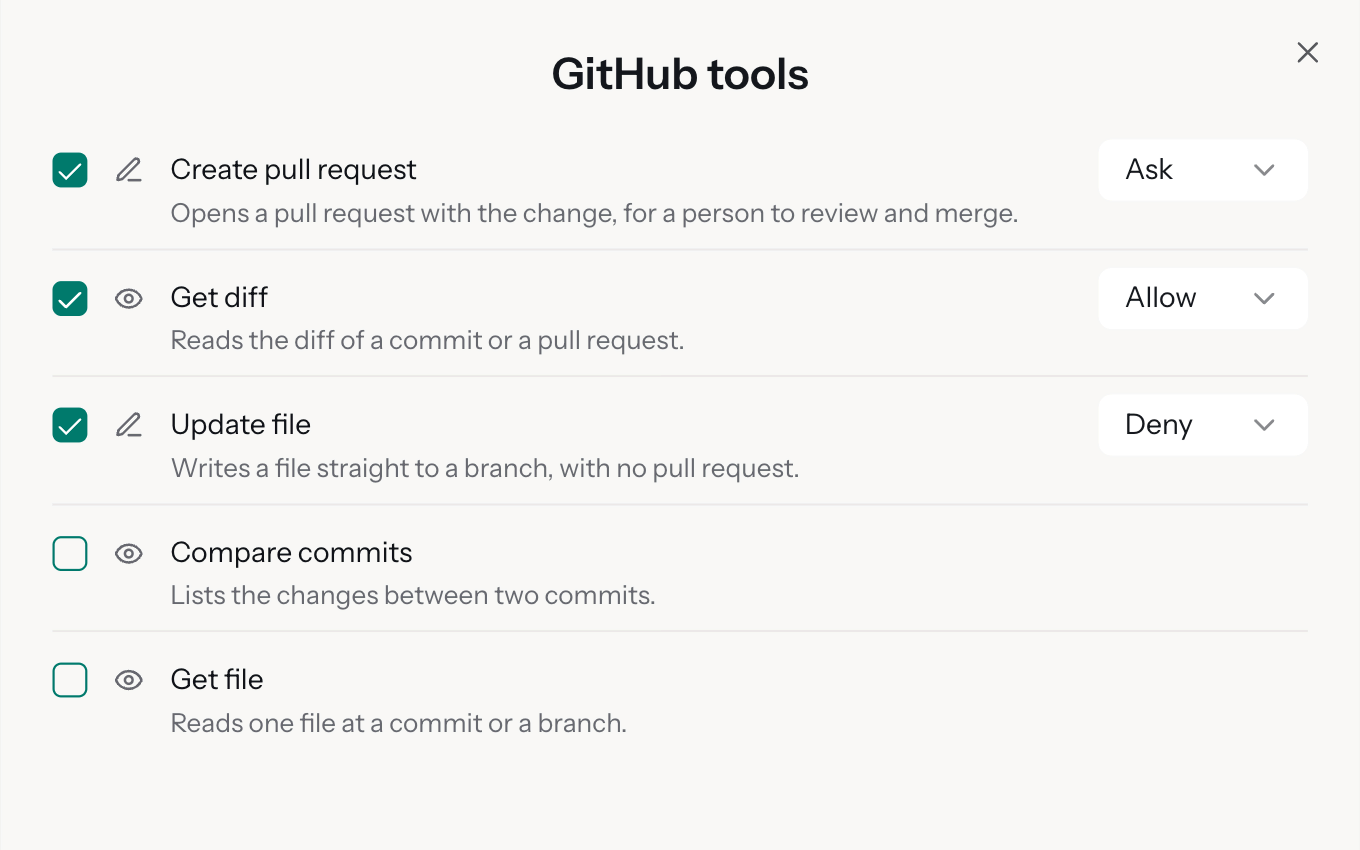
Each tool call starts from the right production context. Read tools run. For write tools, your policy decides: allowed, needs approval or denied. Every call is recorded.
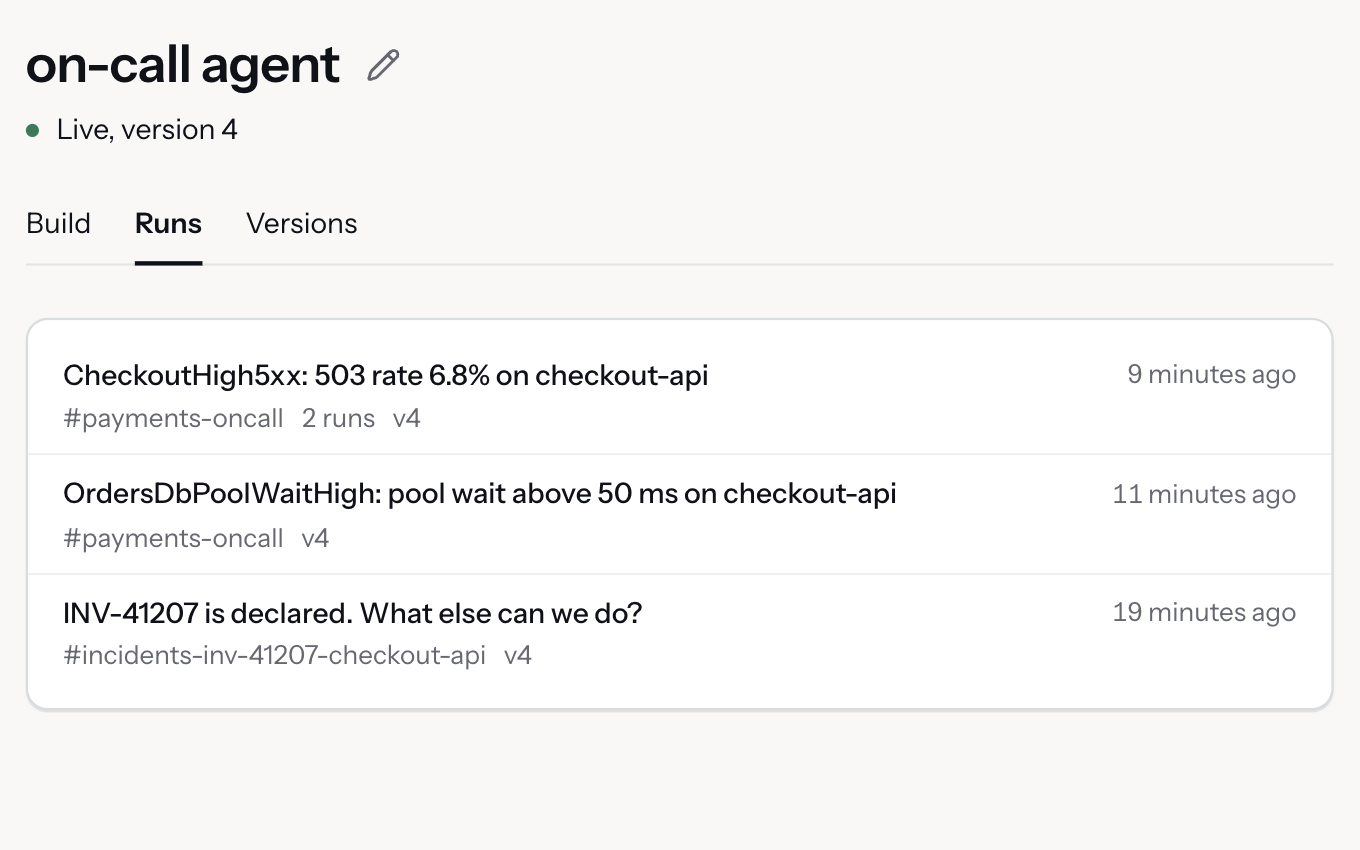
Each run shows the Slack thread that asked and the version that answered.
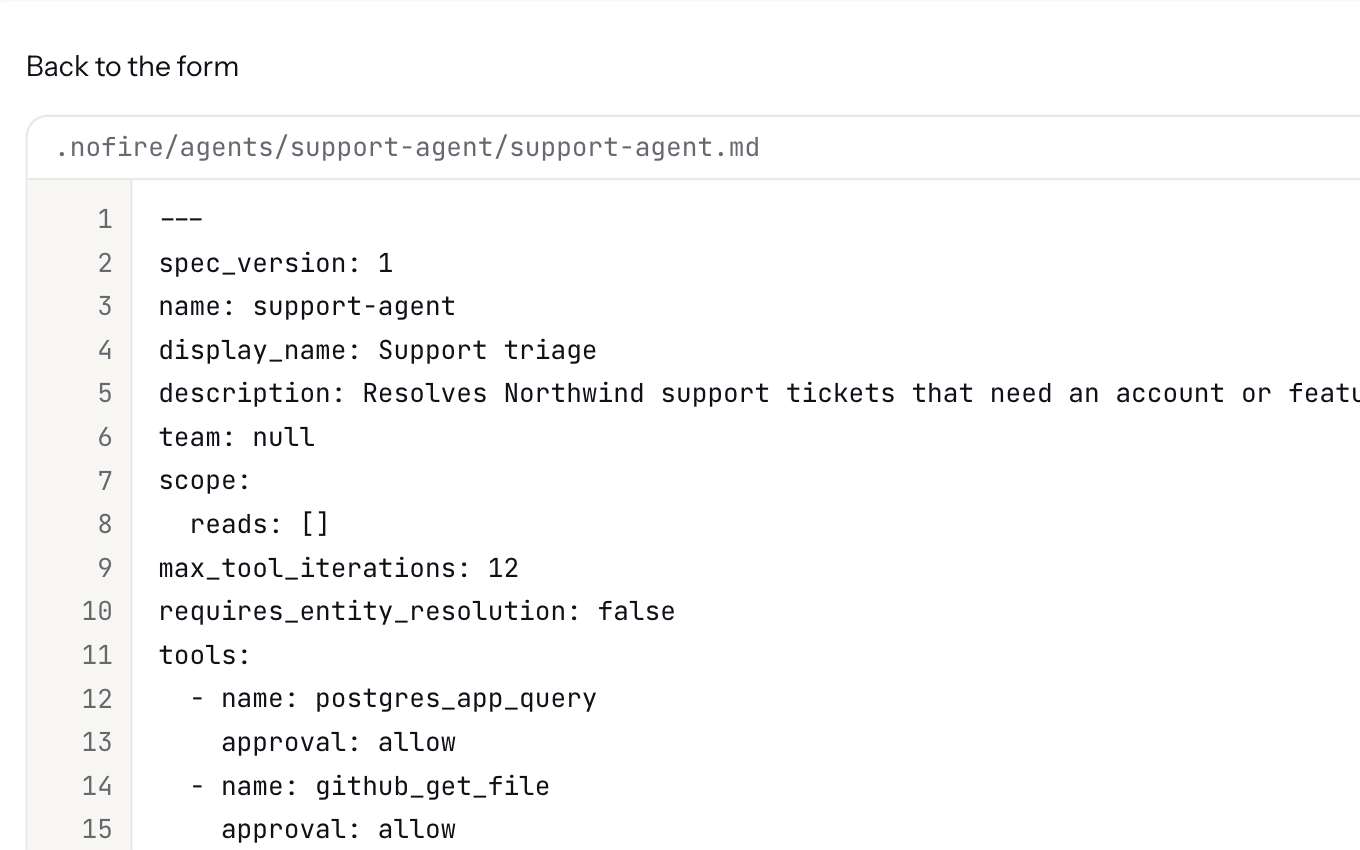
Instructions in Markdown, settings in YAML: tools, approvals, skills and hand-offs. Edit the form or the file, and keep the file in Git.
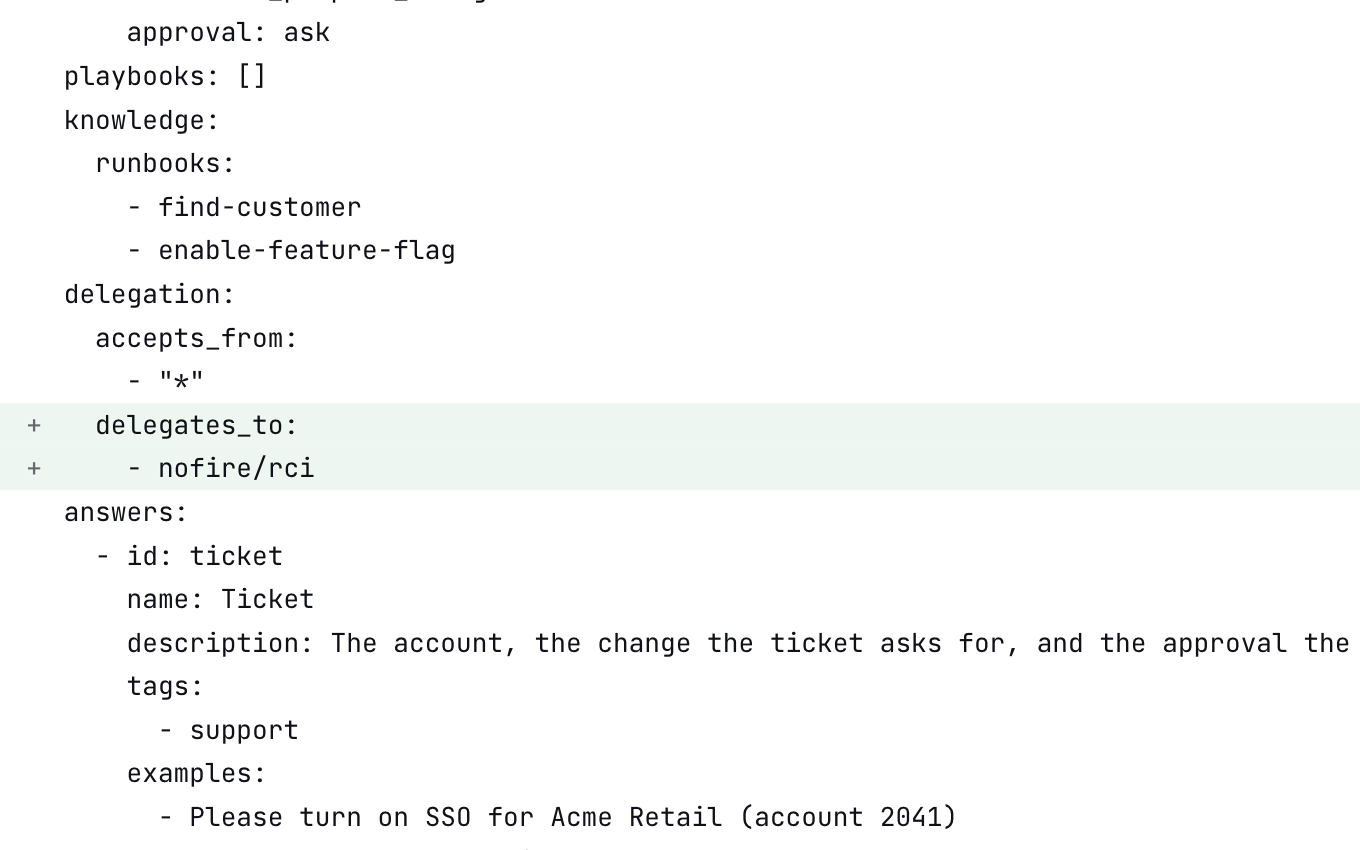
Compare any two versions field by field or as a file diff before anything goes live.
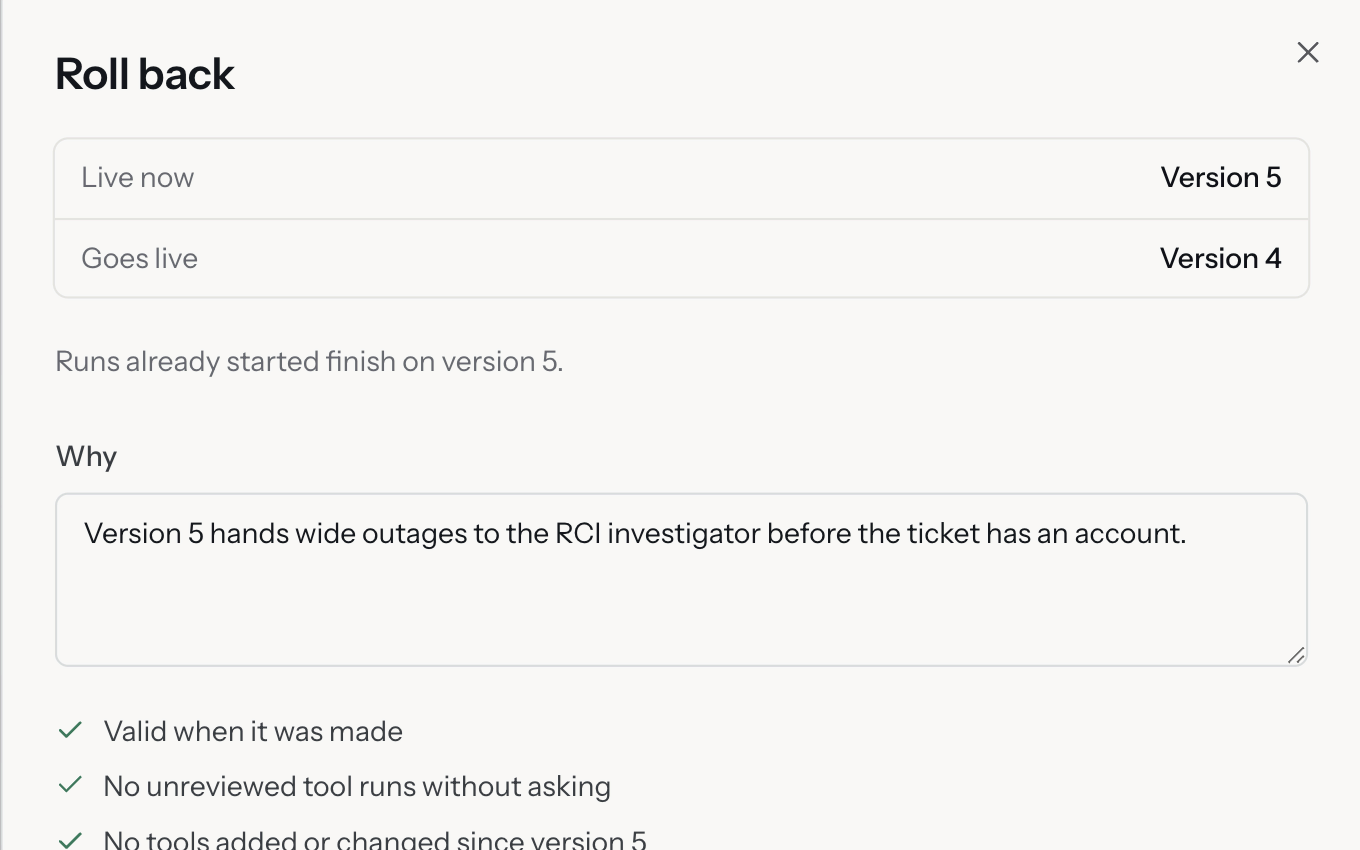
Each release checks the version, the tools and the tests, and records who released and why.
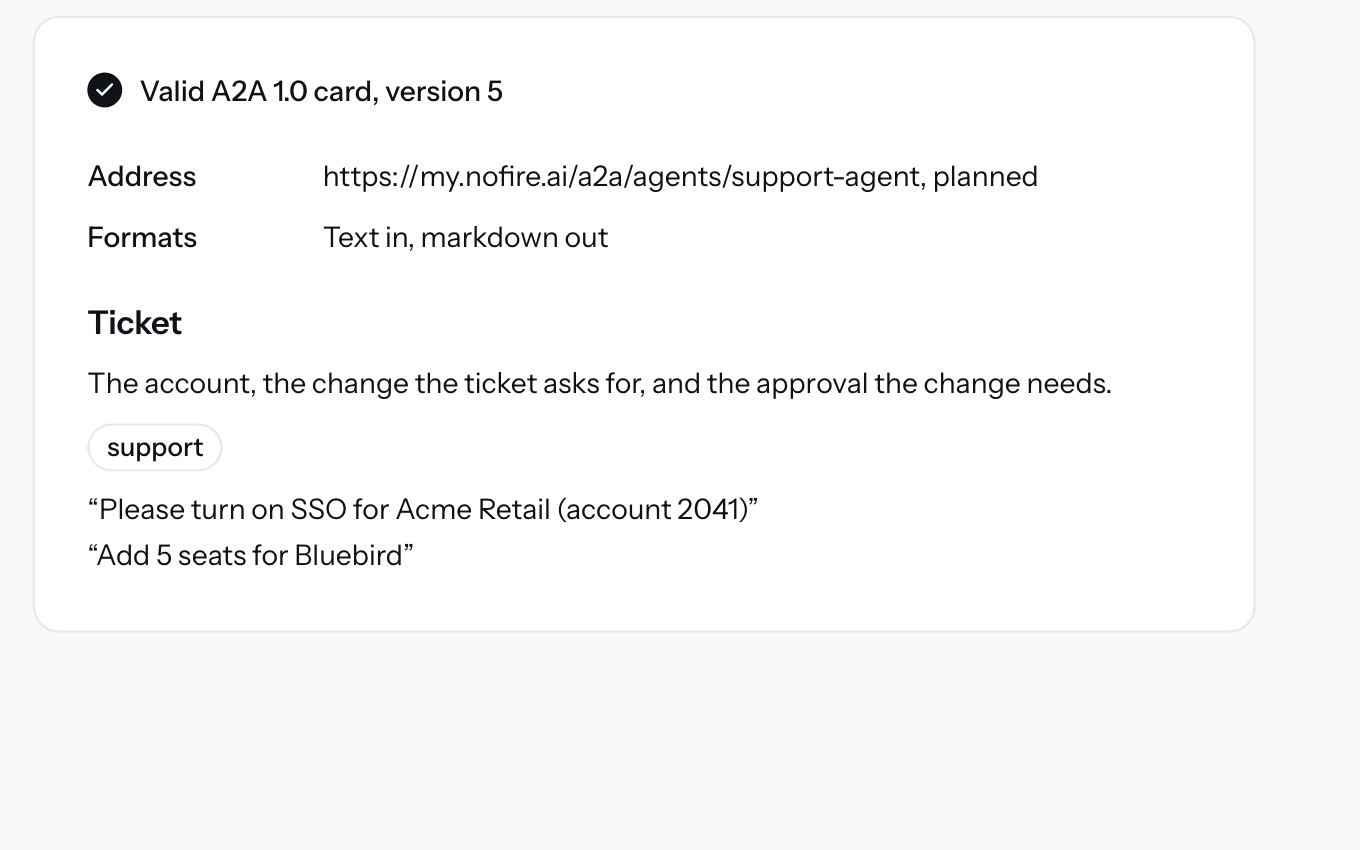
Each agent publishes an A2A card with what the agent answers and example requests.
Both plans. Pay as you go and Enterprise include Agent Studio, and your own agents through skills, MCP or the API.
Yes. Agents built with the Claude Agent SDK or imported from LangChain sit in the same directory and run under the same policy as NOFire AI agents.
Each write tool starts at needs approval, and a person approves in Slack. Your policy can allow a tool for a service and environment.
Yes. Each agent is a versioned definition. Keep the definitions in Git, review changes in pull requests and publish from your pipeline through the API.
Yes. An agent asks the agent of the team that owns a service, and the answer comes back under that team's policy. Each agent lists the agents allowed to ask.